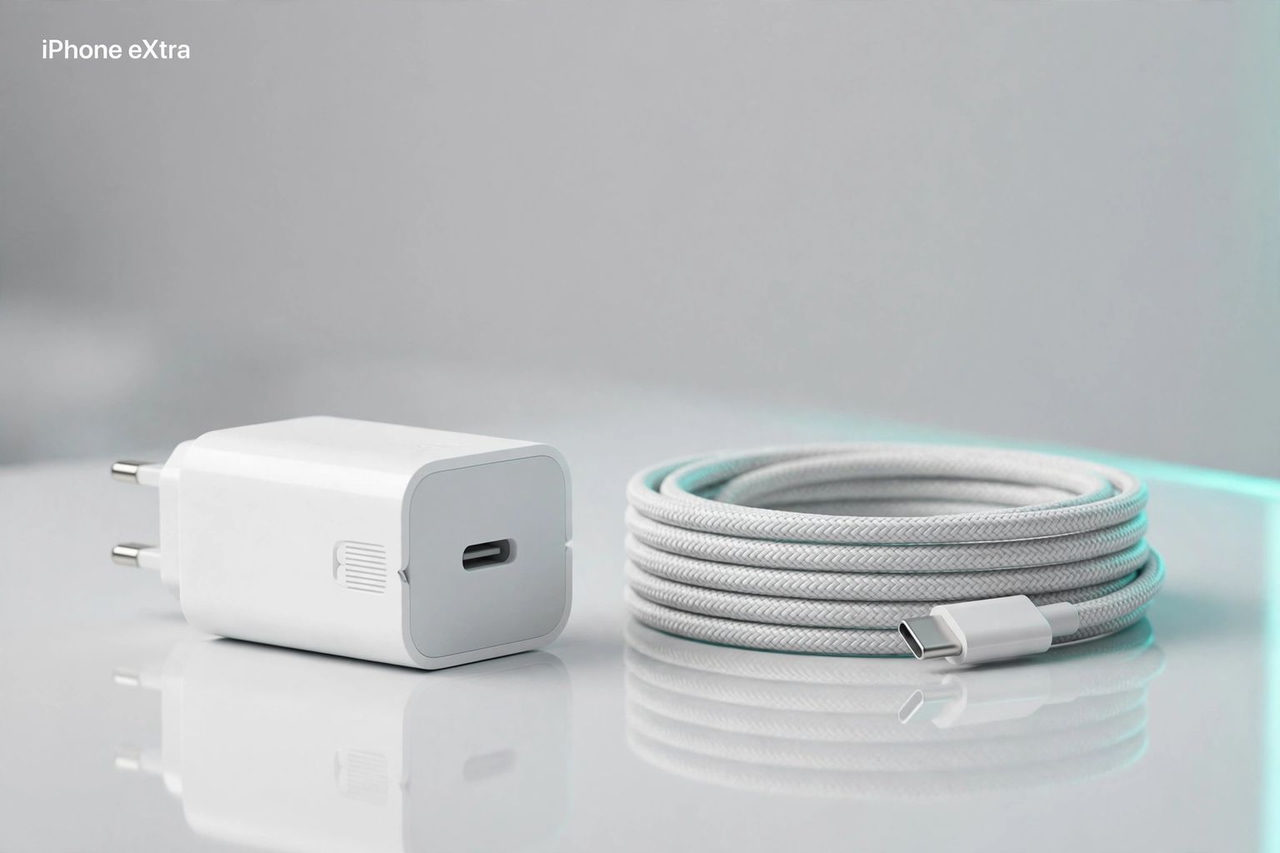
Quick answer: A 30W or 35W USB-C adapter can be useful for routine charging, but wattage alone does not tell you whether it meets your iPhone’s fastest charging requirements. The iPhone 18 Pro’s advertised wired fast-charge result requires a 60W-capable adapter with Adjustable Voltage Supply and a USB-C charging cable. The lower-power models discussed here do not meet that requirement.
Updated September 14, 2026. This guide uses manufacturer specifications, not iPhone eXtra charging tests.
Start with the phone’s charging requirements
Apple lists different test conditions for different models. The iPhone 17 Pro specifications describe reaching 50% in 20 minutes with a 40W adapter or higher and a USB-C cable. For iPhone 18 Pro, Apple specifies around 15 minutes using the 60W-capable AVS setup. These are Apple’s results under its test conditions; actual charging times vary.
An adapter being compatible with USB-C charging is a different claim from meeting those advertised results. Do not buy a 30W model expecting every Pro iPhone to reach its fastest stated charging time. Equally, an existing adapter that meets your everyday needs does not have to be replaced simply because a faster option exists.
Three options and their limits
Anker Nano 3 30W: check the exact model
Anker’s A2147 specification lists a 30W maximum and PPS support. The US plug folds; the UK and EU versions do not. Nano branding covers several products, so compare the model number and regional plug before ordering. Its 30W rating does not satisfy either Pro model’s higher adapter requirement above.
Apple 35W Dual USB-C: two devices share the power
The advantage is charging two devices from one adapter. It does not supply 35W to each port simultaneously. Apple’s power-sharing guide says an iPhone and iPad can receive up to 17.5W each. Pair an iPhone with AirPods or Apple Watch and the allocation can be up to 27.5W and 7.5W respectively. Check the device combination you actually plan to use.
Belkin BoostCharge 30W: match the product code
Belkin’s WCH001 product page describes a 30W USB-C PD GaN charger. BoostCharge also names other products, and regional versions can differ. Verify the exact listing, connector and plug. A 30W ceiling remains a 30W ceiling, regardless of the brand or GaN label.
Choose for the way you charge
For one device, compare the adapter’s output profiles, size and plug with your current charger. For two devices, check how power is divided. If your priority is Apple’s fastest advertised iPhone 18 Pro wired result, look for the specified AVS support and sufficient output, not just a USB-C connector or a higher number on the box.
These are specification-based options, not a measured speed ranking. Confirm the seller, exact model and included cable before buying. For wireless alternatives, see our MagSafe power bank guide.
Check the Anker Nano 30W listing on Amazon
Check the Apple 35W Dual USB-C listing on Amazon
Check the Belkin 30W listing details on Amazon
Frequently asked questions
Does a 30W charger meet Apple’s fastest iPhone 17 Pro wired-charging specification? No. Apple specifies a 40W adapter or higher and a USB-C charging cable for its 50%-in-20-minutes result. Actual times vary.
Do these 30W and 35W adapters meet the iPhone 18 Pro’s 15-minute charging requirement? No. Apple specifies a 60W-capable adapter or higher with Adjustable Voltage Supply and a USB-C charging cable for that advertised wired result.
Does Apple’s dual-port adapter deliver 35W to both devices? No. Its 35W total is shared. Apple lists up to 17.5W each for an iPhone and iPad, with different allocations for other combinations.
Does GaN alone make an iPhone charge faster? The GaN label alone does not establish a charging time. Match the phone’s requirements, the adapter’s supported output profiles and the cable.
Related Articles
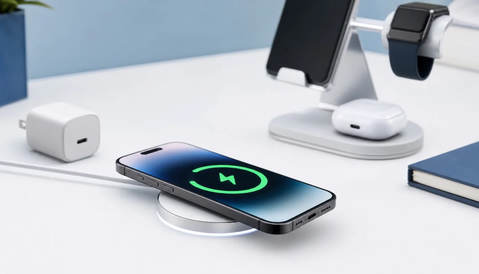
MagSafe Chargers for iPhone 17 and Air: 25W and 20W Limits
Check Apple’s model-specific wireless limits, charger versions and adapter requirements before choosing a puck, stand or travel charger.
Read Now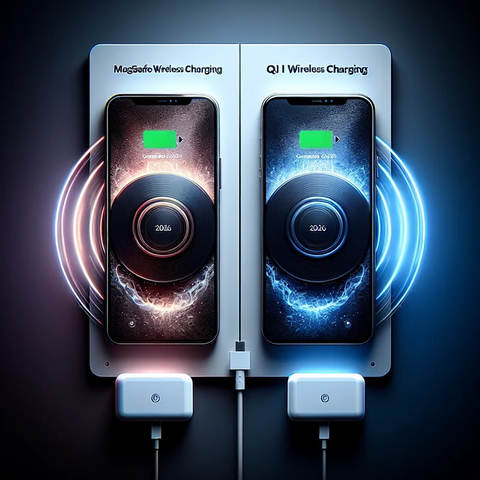
MagSafe vs Qi and Qi2: Charging Compatibility Explained
Compare MagSafe, Qi, Qi2 and Qi2 25W, check model-specific power limits, and choose compatible charging equipment without invented speed tests.
Read Now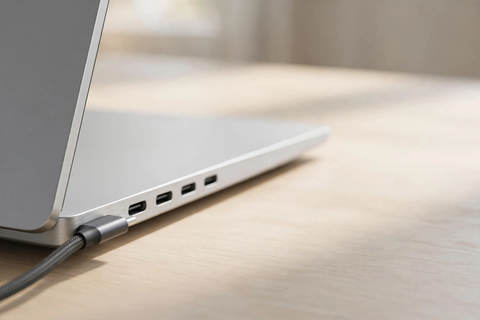
MacBook Pro and Air Ports Explained: M5, M5 Pro and M5 Max
Compare MacBook Air and Pro ports by chip, including Thunderbolt 4 versus 5, HDMI, SDXC, MagSafe and native external-display support.
Read Now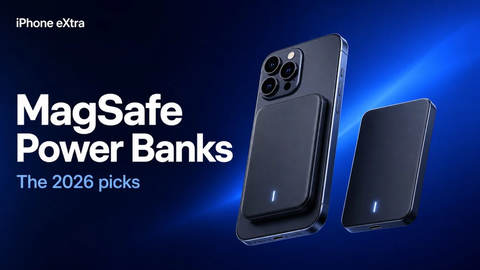
MagSafe Power Banks for iPhone: Qi2 Options and Compatibility
Compare documented magnetic power-bank options, exact iPhone support and capacity limits without guaranteed charging speeds or invented rankings.
Read Now
Apple Charging Stations: Ports, Power Sharing and Compatibility
Compare desktop and wireless charging setups by exact model, port allocation and device compatibility, without guaranteed charging-speed claims.
Read Now
Apple 70W USB-C Power Adapter: Who It's For and When to Go 96W
Which Macs Apple recommends the 70W for, which ship with it, the one Mac family it fast charges, and when a 96W or 140W makes more sense.
Read Now